Linux Master (Terminal Pro) — learn Linux command line on Android
The best app to learn Linux on Android: theory and practice in one place. Study 1,000+ commands with a visual Command Builder, then run them for real in a built-in Bash terminal — offline, with no account required.
Live on Google Play · Package: com.weltekxdev.linuxdict.app · Free, ads supported · Android
Why Linux Master is the #1 way to learn Linux on a phone
Most Android learners juggle two apps: one to read Linux command line theory, another (like Termux) to type commands. Linux Master (Terminal Pro) removes that friction. It pairs a deep command reference with a virtual shell for risk-free practice and a real native bash terminal for live execution — plus retro themes such as Amber CRT and Green Phosphor.
Real Bash terminal + virtual shell with multiple terminal tabs
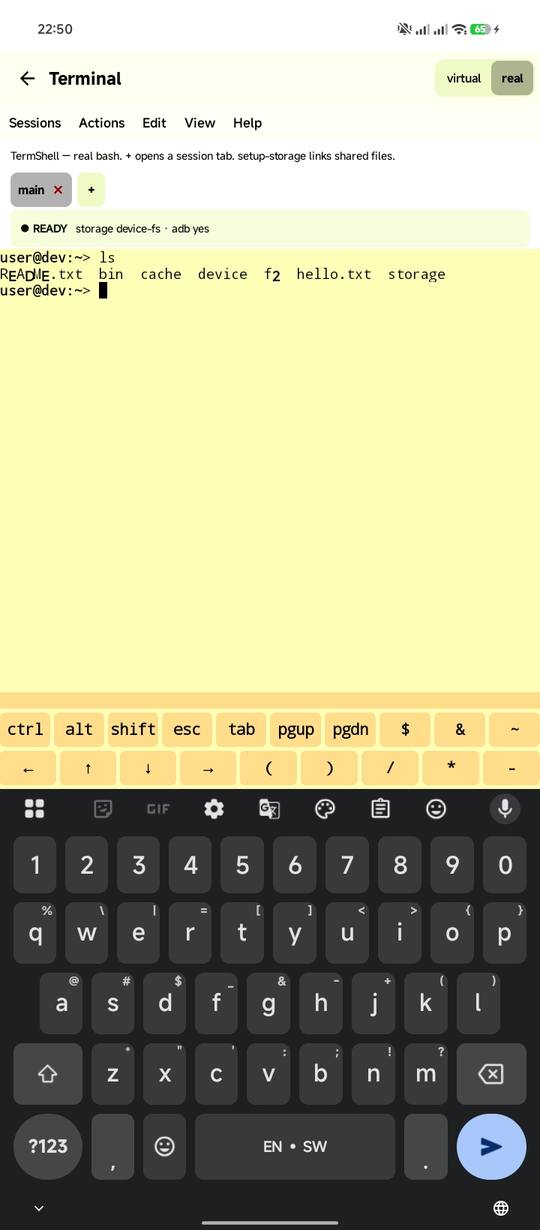
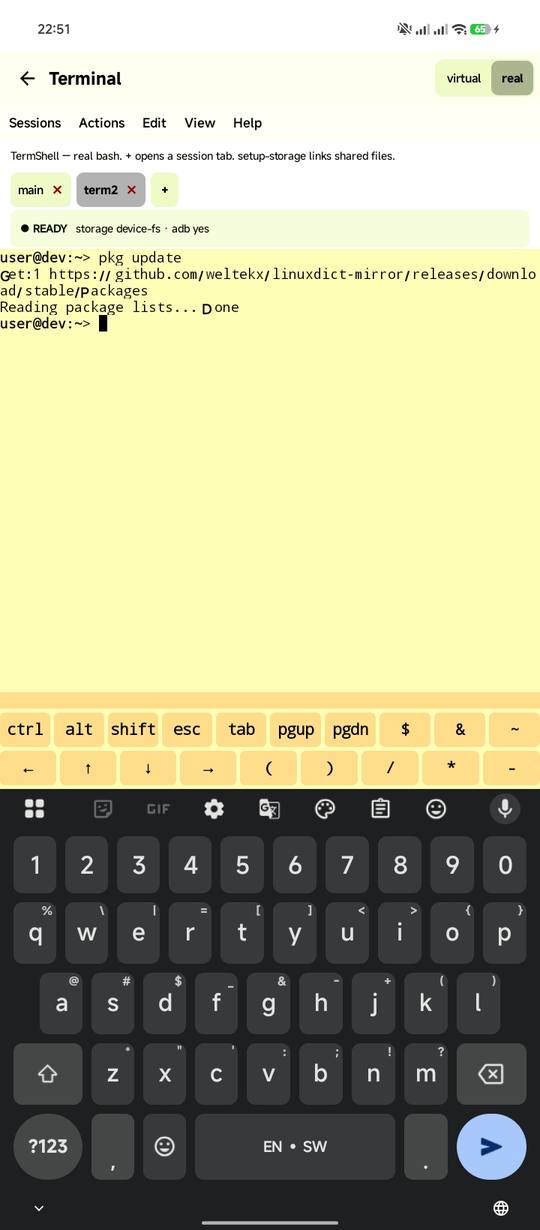
Practise dangerous commands in a safe simulated shell, then switch to the genuine on-device bash terminal and run them live. Manage your workflow easily with full support for multiple terminal tabs—switch between active sessions, run concurrent scripts, and multitask just like a desktop terminal emulator. Terminal key row, history, scrollback, and a full terminal manual included.
1,000+ commands, 16 categories
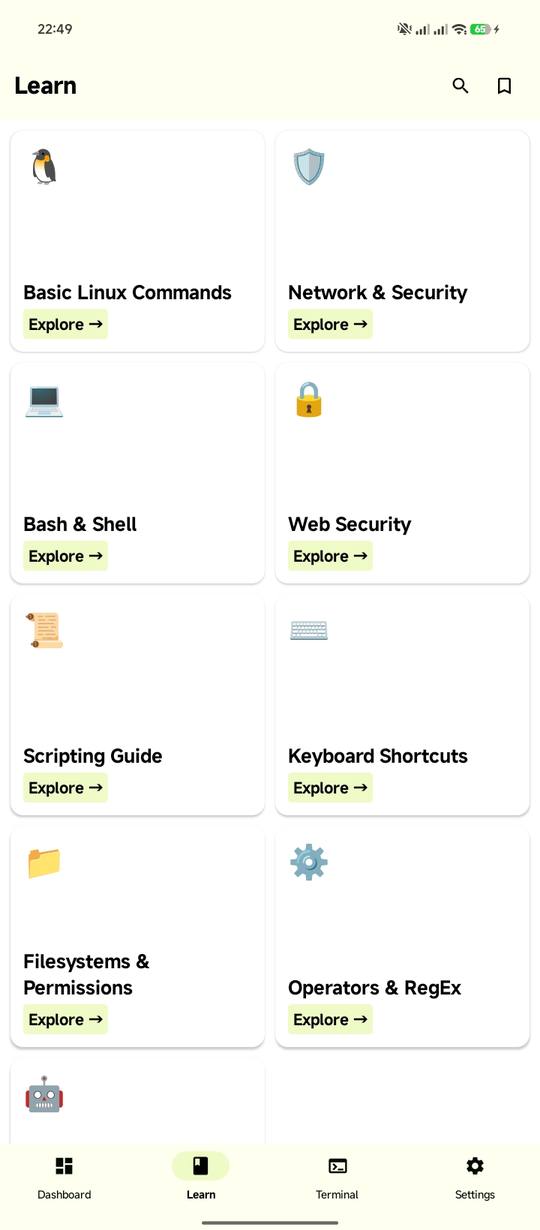
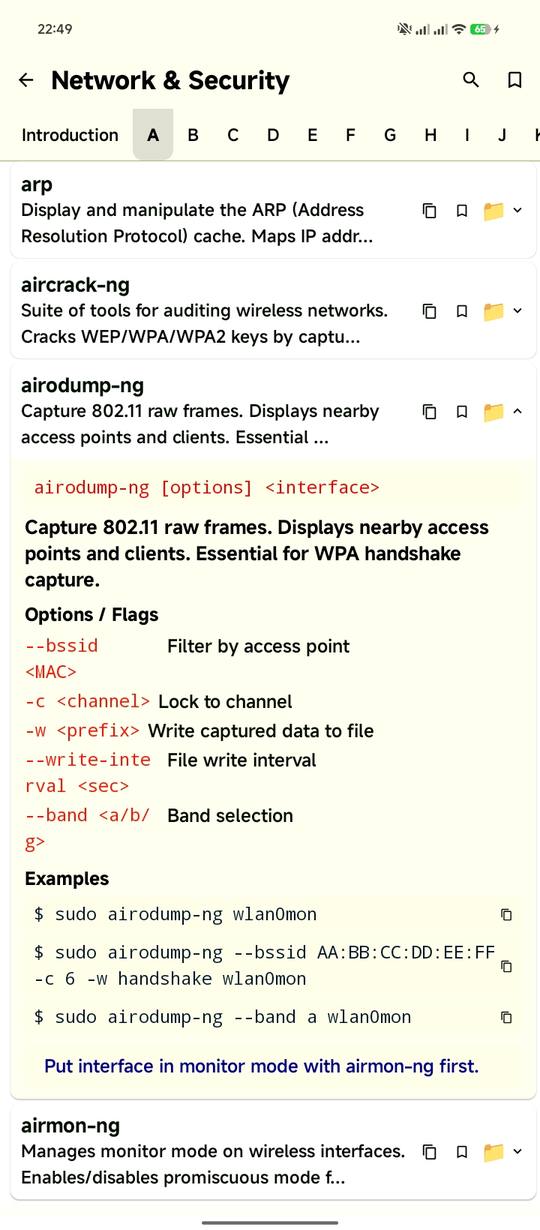
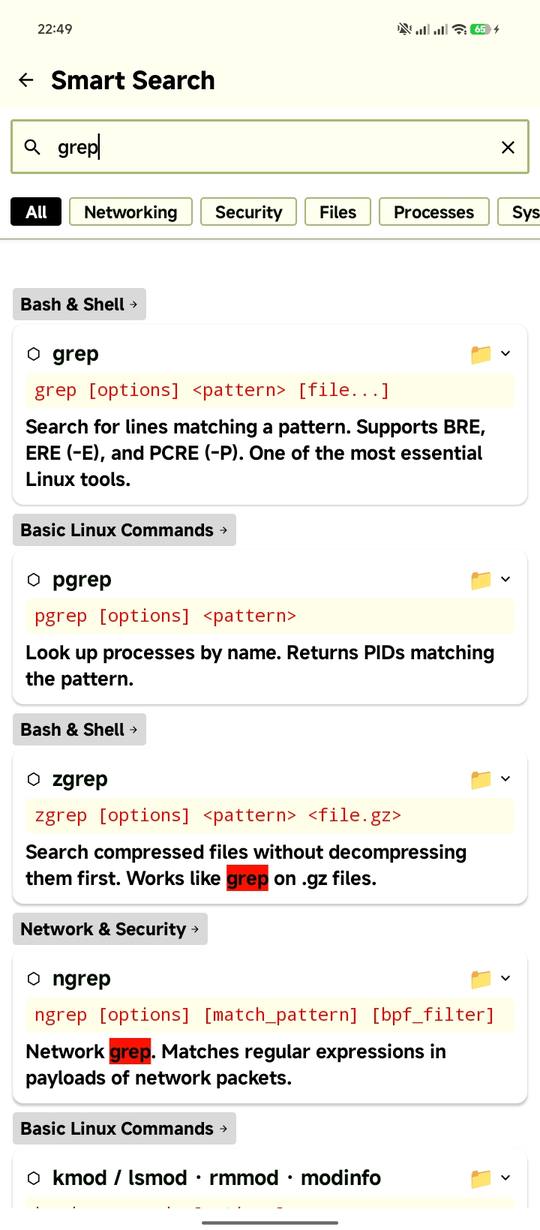
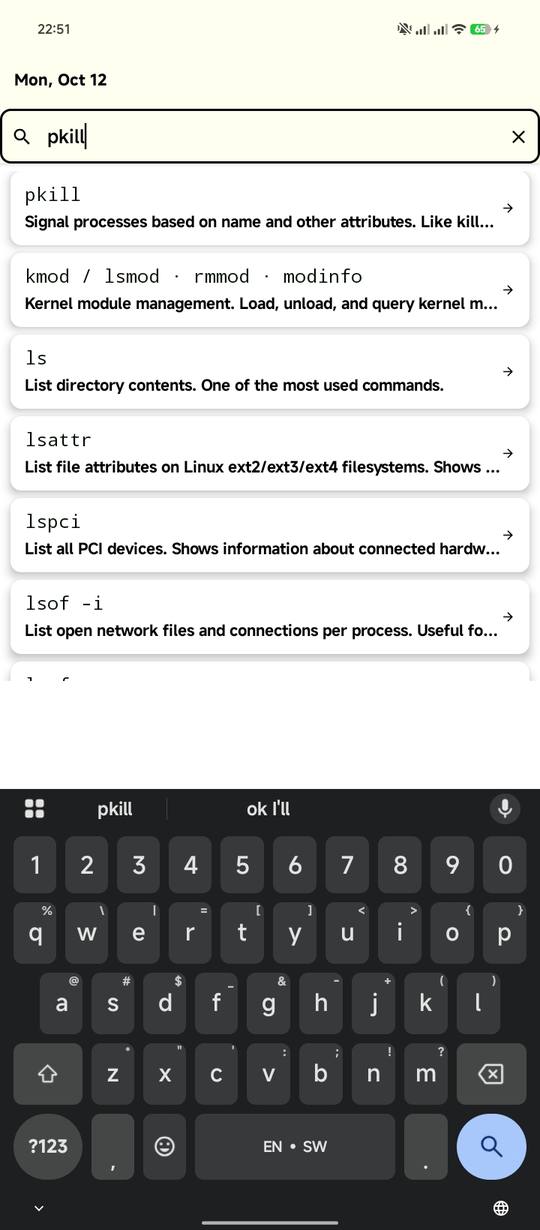
A complete offline Linux command library: files, permissions, networking, bash scripting, systemd, containers, databases and more. Full-text search, intent search (“kill process”) and one-tap copy of any syntax.
Visual Command Builder
Toggle flags visually to see exactly how a command’s behavior changes — perfect for mastering syntax without memorising endless option lists.
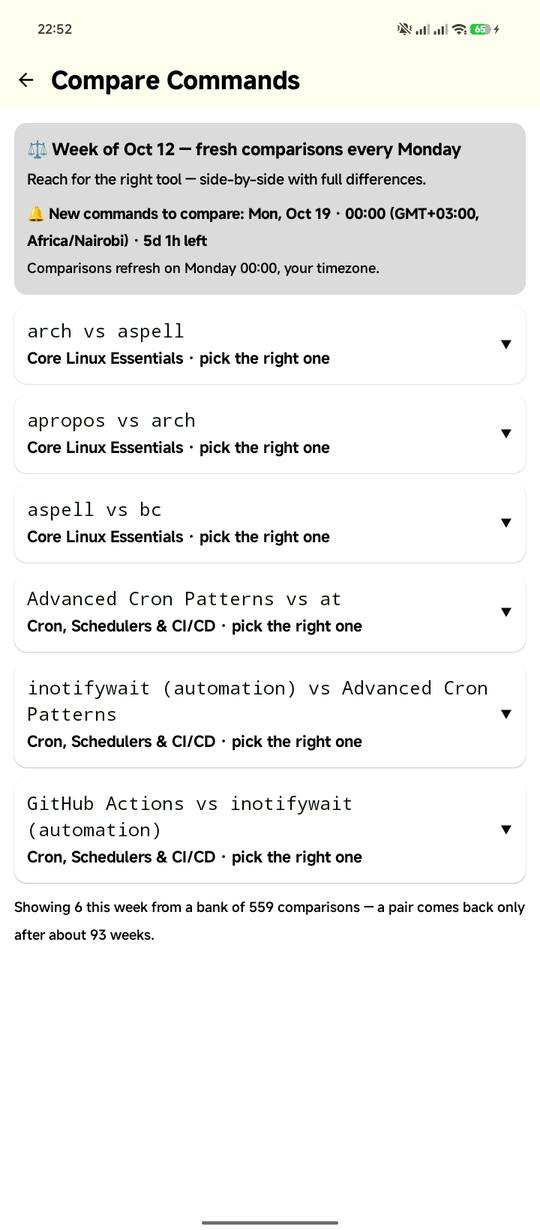
800+ side-by-side comparisons
grep vs awk vs sed, docker vs podman, du vs df, ps vs top — direct breakdowns of easily confused utilities so you always pick the right tool.
Quizzes, tasks and streaks
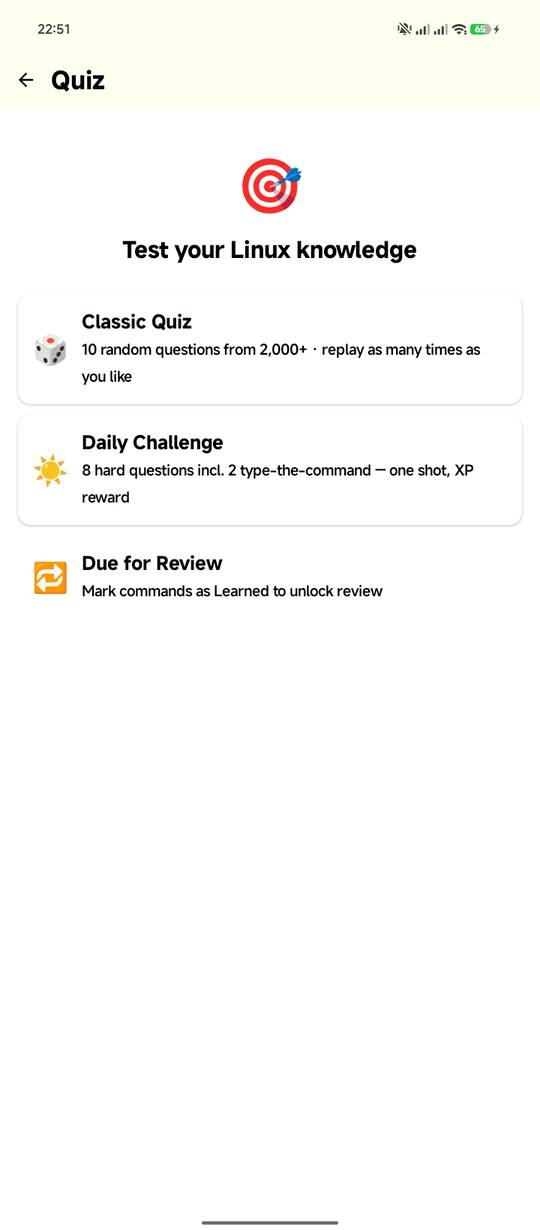
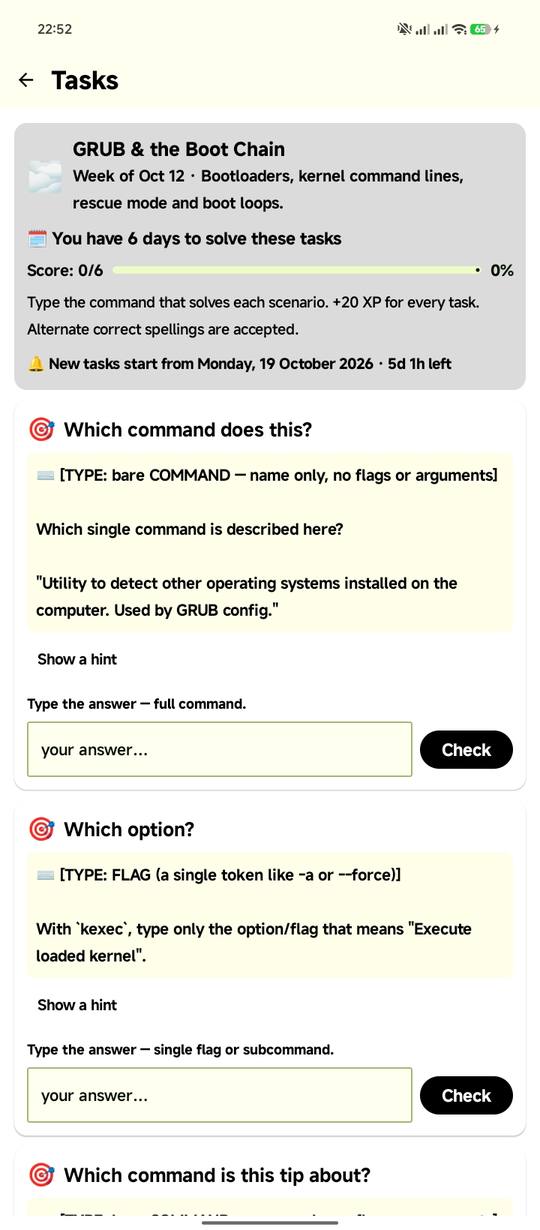
Classic quizzes, a Daily Challenge, typed-answer hands-on tasks, XP, levels, 19 achievements and spaced-repetition review that resurfaces what you’re about to forget.
Deep customization
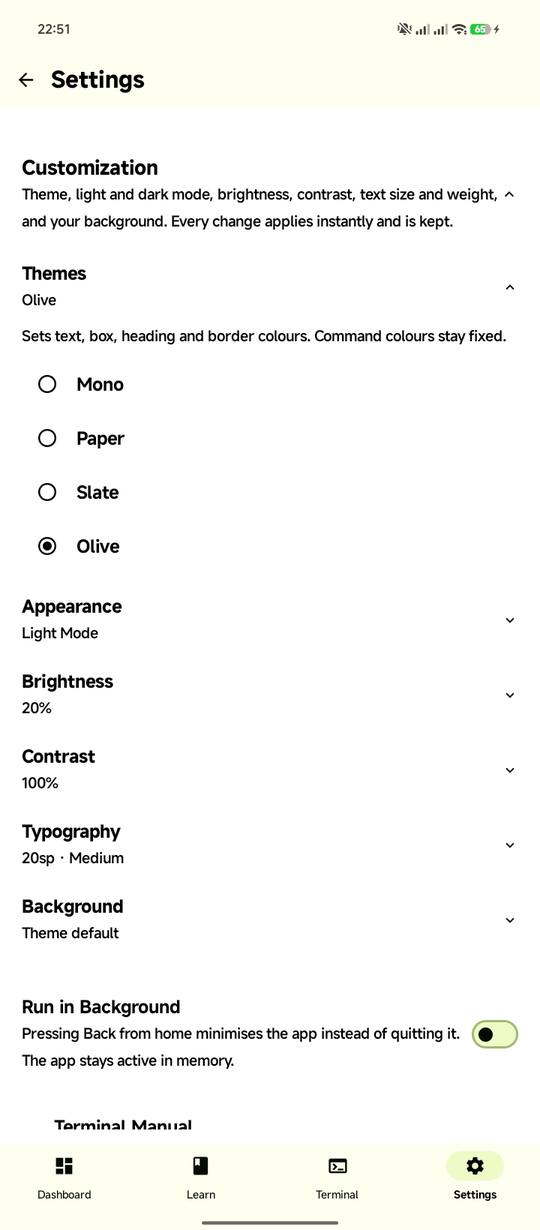
Four themes with light and dark mode, three terminal palettes (Amber CRT, Green Phosphor, Tango), custom backgrounds, and adjustable font size and weight from 10–30 sp.
Learn a little every day
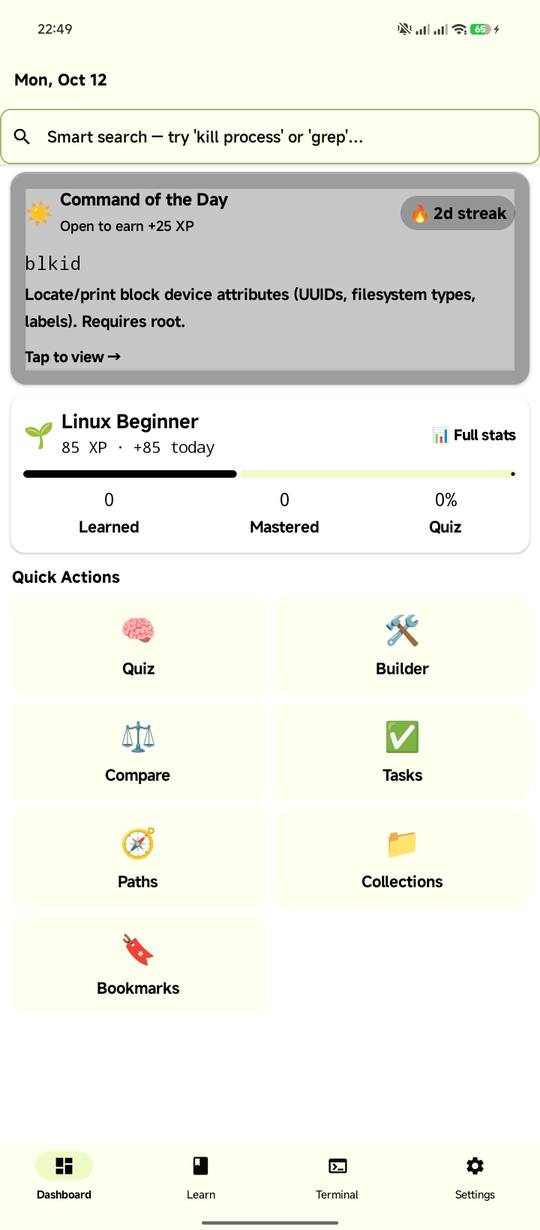
Retention is what turns reading into skill. Come back daily for the Command of the Day and the three-question quiz — your streak lives on your device.
About
Linux Master is a complete offline-first guide for learning and practising Linux: 1,000+ commands, keywords, operators, variables and concepts with descriptions, options and real-world examples — plus a virtual shell, a real on-device bash terminal, quizzes and hands-on tasks. It is built for developers, sysadmins, DevOps engineers, students and anyone learning the Linux command line.
Key features
- Complete reference — 16 categories: Basic Linux, Network & Security, Bash & Shell, Web Security, Scripting, Keyboard Shortcuts, Filesystems & Permissions, Operators & RegEx, Automation, Servers, Debugging, Build & Development, Containers & Cloud, Text Processing, Storage & Disk, and Databases. A–Z navigation and one-tap copy of any command syntax.
- Two terminals & multiple terminal tabs — a safe virtual sandbox for practising with zero risk, and a real shell running genuine bash with its own signed package mirror. Includes full multi-tab terminal support so you can open, manage, and switch between multiple terminal tabs simultaneously. Switch between shells at any time, complete with a terminal key row, command history, and a complete terminal manual.
- Three quiz modes — Classic quizzes, a harder Daily Challenge and Review quizzes with spaced repetition, drawn from 2,000+ questions on commands, flags and shell concepts.
- Hands-on tasks — solve real sysadmin scenarios by typing the exact command; partial answers do not count. Fresh task sets keep practice realistic.
- XP, levels and streaks — earn XP for learning, quizzes and tasks; track it all with levels, 19 achievements and a progress dashboard.
- Smart search — full-text search plus intent search (“describe what you want to do”, e.g. “kill process”), with filters and history kept on your device.
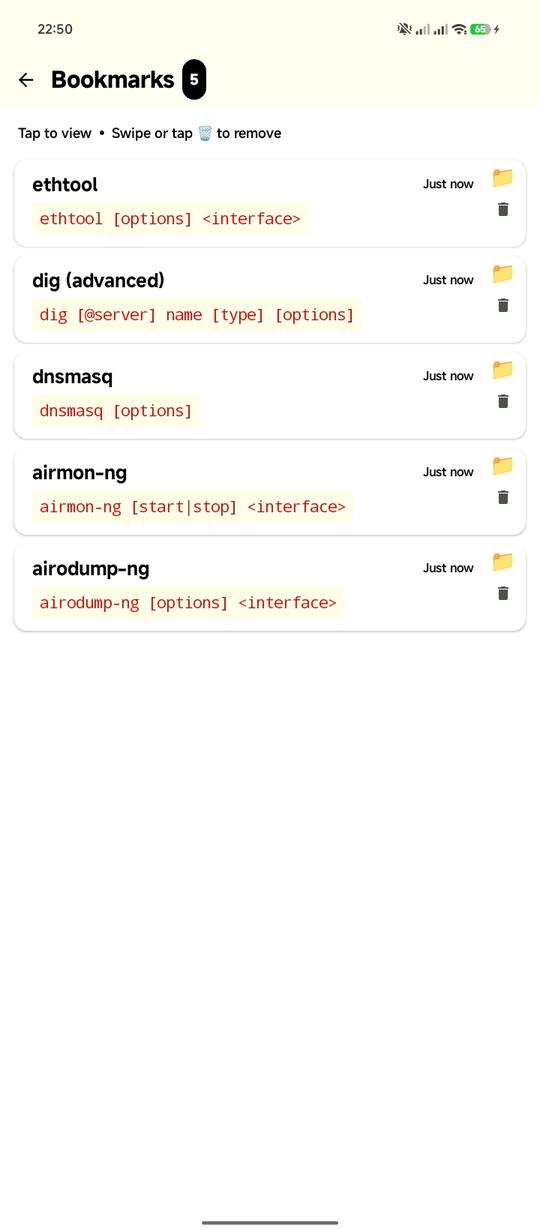
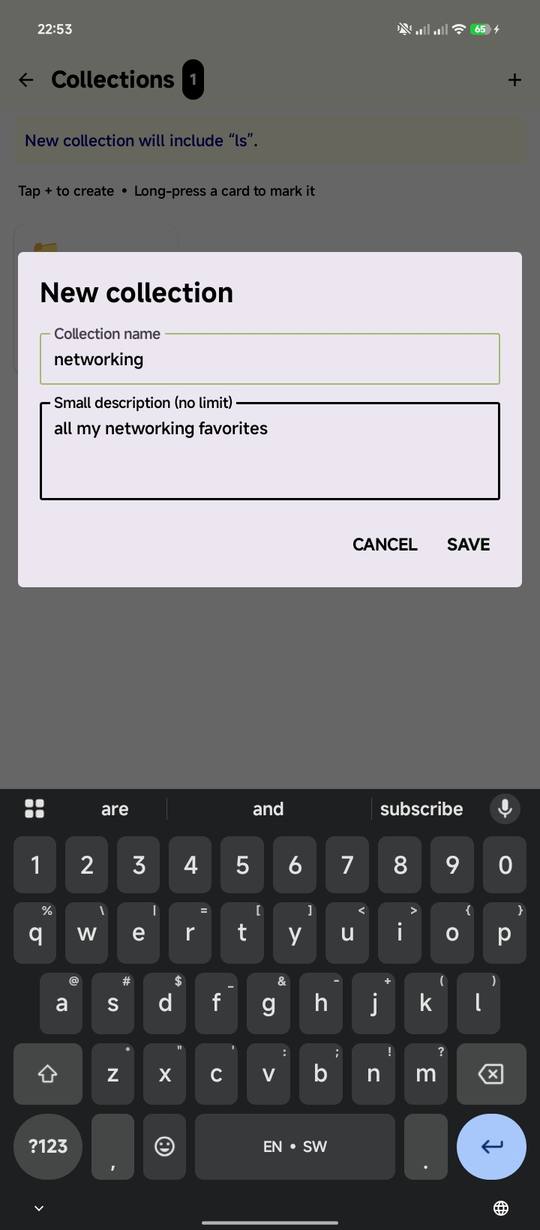
- Collections and bookmarks — save favourites and build custom sets like exam prep or server setup, all stored locally.
- Guided learning — 14 step-by-step learning paths, a visual Command Builder for assembling correct syntax, side-by-side comparisons of easily confused commands, and a Command of the Day with a home-screen widget.
- Personal display — 4 themes (Mono, Paper, Slate, Olive), each with light and dark mode, terminal palettes including Amber CRT, Green Phosphor and Tango, custom backgrounds, and adjustable font size and weight.
- Free with ads — optional donations remove ads for a while and support development.
- Works offline — the full reference ships with the app. No account or login required.
Support
Install
Linux Master (Terminal Pro) is live and free on Google Play.